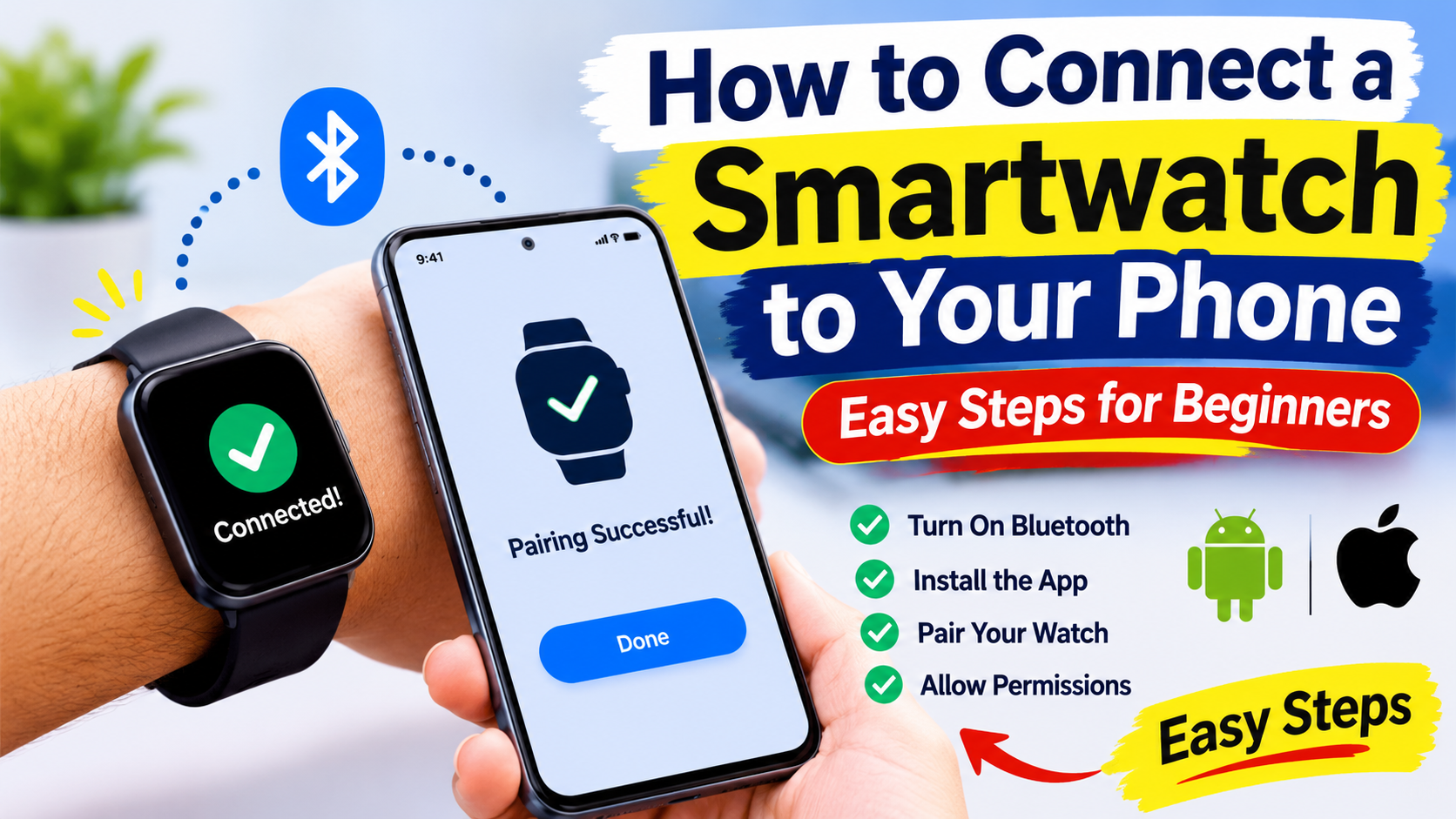
How to Connect a Smartwatch to Your Phone: Easy Step-by-Step Guide for Beginners
Smart watches are very popular gadgets in our daily life. They help us to track our fitness monitor our heart rate, check notifications , answer the calls and music controls.
But if have purchased smart watch recently you might be know the how to connect smart watch to your phone.
Don’t worry connecting a smartwatch to phone is very easier you don’t need any technical knowledge to do it. with some simple steps you can pair with smart phone smart watch
In this article, we will explain how to connect a smartwatch to your phone in a simple and easy way.
What Do You Need Before Connecting Your Smartwatch?
Before starting the pairing process, make sure you have the following things ready:
- A smartwatch with sufficient battery.
- An Android smartphone or iPhone.
- Bluetooth enabled on your phone.
- A stable internet connection.
- The official smartwatch companion app.
Also, make sure your smartwatch and smartphone are close to each other during the connection process.
Step 1: Turn On Your Smartwatch
First, switch on your smartwatch by pressing and holding its power button for a few seconds.
Wait until the watch starts and displays its home screen or setup screen.
If you are using a brand-new smartwatch, you may need to select your preferred language and agree to the initial setup instructions.
Step 2: Turn On Bluetooth on Your Phone
Now take your smartphone and open the Settings app.
Follow these steps:
- Open Settings on your phone.
- Select Bluetooth.
- Turn Bluetooth ON.
- Keep your phone’s Bluetooth settings ready.
Bluetooth allows your smartwatch and smartphone to communicate wirelessly.
Step 3: Download the Smartwatch App
Most smartwatches require a companion app to connect to your smartphone.
Depending on your smartwatch brand, you may need a different application.
Some popular smartwatch apps include:
- Samsung Galaxy Watch: Galaxy Wearable.
- Google Pixel Watch: Google Pixel Watch app.
- Apple Watch: Apple Watch app on iPhone.
- Xiaomi Smart Band and watches: Mi Fitness.
- Amazfit: Zepp app.
- Noise smartwatches: NoiseFit app.
- boAt smartwatches: boAt Crest app.
Open the Google Play Store or Apple App Store, search for the official app, and install it.
Always download apps from official sources.
Step 4: Open the App and Pair Your Smartwatch
After installing the app, open it on your smartphone.
Follow these simple steps:
- Sign in or create an account if required.
- Select the option to Add Device or Pair New Device.
- Choose Smartwatch from the available device categories.
- Allow the app to search for nearby devices.
- Select your smartwatch when its name appears.
Your phone may display a pairing request or confirmation code.
Step 5: Confirm the Pairing Request
Once your smartwatch appears on your smartphone, tap its name.
You may see a confirmation code on both devices.
Check whether the codes match and tap Pair or Confirm on your phone and smartwatch.
Wait for a few seconds until the devices successfully connect.
Congratulations! Your smartwatch is now connected to your smartphone.
Step 6: Allow Notifications and Other Permissions
After pairing, the smartwatch app may ask for certain permissions.
Depending on your watch, you may need to allow:
- Phone call notifications.
- WhatsApp notifications.
- SMS notifications.
- Contacts access.
- Fitness and health data.
- Location access.
- Bluetooth permissions.
Allow the permissions you need to use your smartwatch features.
For example, if you want to receive WhatsApp messages on your smartwatch, enable WhatsApp notifications in the companion app.
Step 7: Check Whether Your Smartwatch Is Connected
Finally, check whether your smartwatch is properly connected.
Try these things:
- Check whether the watch displays a connected status.
- See if your phone’s notifications appear on the watch.
- Open the smartwatch app and check its device status.
- Check whether your watch is syncing fitness data.
If everything works correctly, your smartwatch is ready to use!
How to Connect a Smartwatch to an Android Phone
Connecting a smartwatch to an Android phone is generally simple.
- Turn on your smartwatch.
- Enable Bluetooth on your Android phone.
- Download the smartwatch’s official companion app.
- Open the app and tap Add Device.
- Select your smartwatch.
- Confirm the pairing request.
- Allow the required permissions.
That’s it! Your smartwatch should now be connected to your Android phone.
Note: Some Wear OS watches use Google’s setup process, while Samsung and other brands may require their own companion apps.
How to Connect an Apple Watch to an iPhone
If you own an Apple Watch and an iPhone, the setup process is slightly different.
- Turn on your Apple Watch.
- Bring it close to your iPhone.
- Wait for the Apple Watch pairing message to appear.
- Tap Continue.
- Select Set Up for Myself.
- Use your iPhone camera to scan the animation displayed on your watch.
- Follow the on-screen instructions.
- Complete the setup process.
Your Apple Watch will then be paired with your iPhone.
Important: Apple Watch requires a compatible iPhone. It cannot be paired directly with an Android phone.
Common Smartwatch Connection Problems and How to Fix Them
Sometimes your smartwatch may not connect to your phone. Don’t worry! Here are a few easy solutions.
This is the complete information about How to Connect a Smartwatch to Your Phone